Quick answer
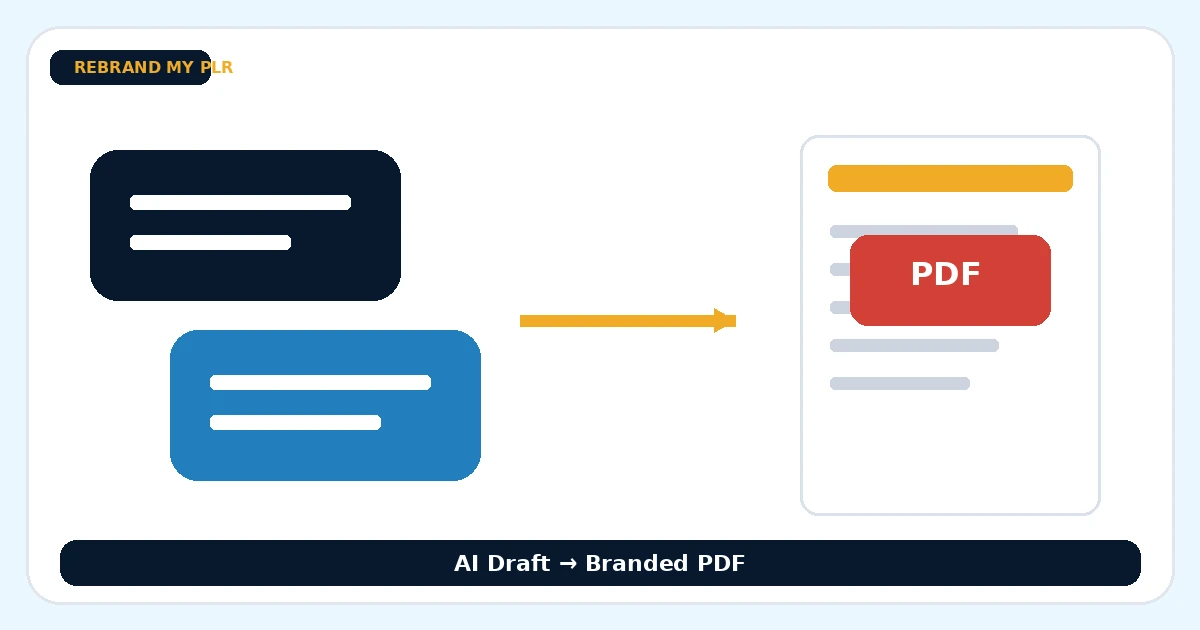
To turn ChatGPT content into a branded PDF, move the draft into an editable file, remove chat-style filler, create a real heading structure, verify facts, apply branding and export the final PDF.
What to prepare first
- The raw AI draft
- A fact-checking pass
- A title and audience angle
- Branding choices
- A CTA or next step
Move the draft into a real document
The PDF process works better once the raw AI output is removed from the chat environment. Copy the useful content into Word or Markdown, then delete duplicated intros, chat labels and other leftovers that belong to the conversation rather than the final guide.
Create a strong document structure
A useful report needs a title, clear sections and a visible conclusion. Convert the raw draft into a document with a logical flow. If sections are too long, split them. If the draft rambles, tighten it.
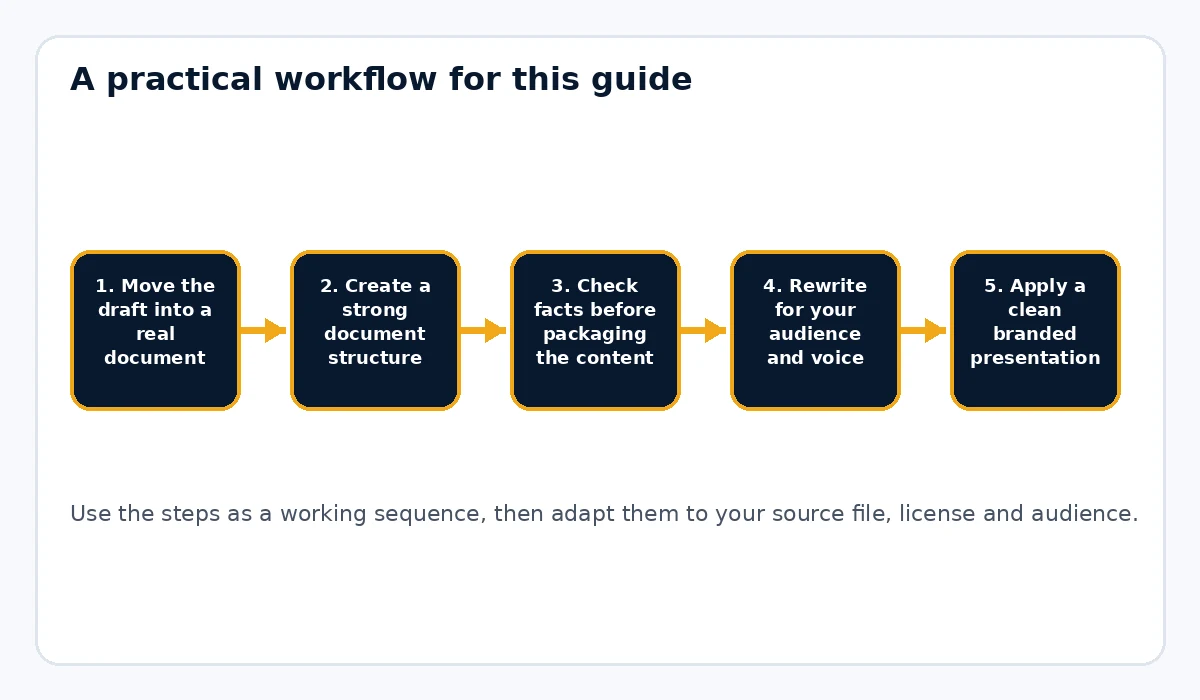
Check facts before packaging the content
AI-written content can still be wrong. Verify product details, names, dates, tools, claims and examples. If a claim matters to the reader’s decision, it deserves review before the document is published.
Rewrite for your audience and voice
This is where generic AI text becomes more useful. Add your own examples, cut exaggerated language and rewrite sections that feel vague. The more specific the language, the better the final PDF tends to perform.
Apply a clean branded presentation
Once the draft is solid, package it. Add a cover, consistent headings, footer, links and a final CTA page. Rebrand My PLR is particularly relevant when you want to turn a cleaned-up text or Word draft into a more polished product-style PDF quickly.
Add a practical next step
Most ChatGPT-derived guides work best when they lead somewhere: a checklist, tool page, product, newsletter or next lesson. The last page should make that transition clear.
Test the exported file
Open the PDF, click links, scan headings and read at least a few sections end to end. A polished PDF can still feel weak if the underlying copy was not reviewed carefully.
Example use case
You ask ChatGPT for a guide about creating onboarding emails, then move the useful draft into Word, fact-check your examples, tighten the steps, brand the document and export it as a PDF lead magnet or paid mini report.
Common mistakes to avoid
- Publishing raw chat output with minimal editing
- Skipping fact-checks because the formatting looks polished
- Keeping repetitive AI wording in the final file
- Failing to add a clear CTA or next step
- Treating AI output like a finished product instead of a draft
Treat the chat output as a draft, not a document
Chat conversations contain material that should not appear in a finished guide: repeated introductions, conversational filler, headings created for the discussion and answers that assume earlier messages. Move the useful content into Word or Markdown and rebuild the structure from the reader’s point of view. Decide what the guide is trying to teach, put the sections in the best order and delete anything that only made sense inside the chat. This editorial pass is what turns generated text into publishable material.
Verify facts before the design makes them look authoritative
Polished formatting can make weak information look more trustworthy than it is. Check names, dates, statistics, software features, pricing and any factual claim that affects the reader’s decision. When a claim needs evidence, verify it before export. If you cannot confirm it, remove it or rewrite it more cautiously. The goal is not to eliminate AI from the workflow; it is to make sure the final PDF reflects your quality control rather than the model’s confidence.
Add your voice through examples and decisions
Generic AI writing improves when you add choices that only the publisher can make. Include examples from your workflow, explain why you prefer one method, point out a mistake you have seen or add a checklist based on how you actually work. These additions give the guide a point of view. They also make the material more memorable because the reader gets something beyond a summary of information that could have been generated anywhere.
Practical example
You ask ChatGPT for a guide to creating a welcome email sequence. Move the useful draft into Word, combine repeated sections, fact-check any platform-specific claims and add your own five-email framework. Include a sample sequence outline and a final implementation checklist. Then apply your brand and export the guide as a PDF. The AI helped create the first draft, but the finished asset reflects your structure, examples and editorial choices.
Final publishing check
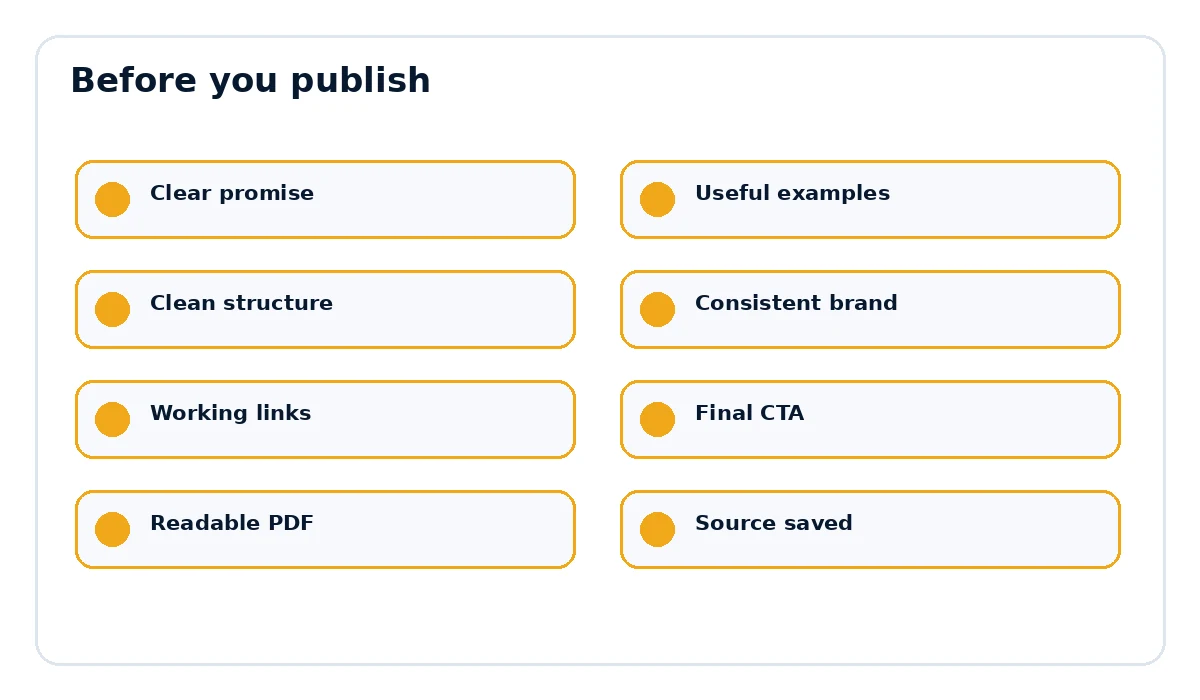
- The page title and document title match the actual promise.
- Examples, links and references are current and relevant.
- The document is easy to scan on desktop and mobile.
- The final call to action points to the correct destination.
- The exported PDF opens cleanly and every important link works.
Create a repeatable AI-to-PDF publishing routine
A repeatable routine keeps AI content from turning into a pile of disconnected drafts. Save the final prompt or brief, move the approved text into one editable source document, add your own examples, verify claims, then apply your standard document structure and brand. Give the project a clear file name and keep the source beside the exported PDF. When the topic changes, update the source rather than regenerating everything from scratch. This makes future revisions faster and helps you build a library of guides that share the same publishing standard even when the first draft came from different AI tools or different conversations.
Want the final document to look like a finished product?
Rebrand My PLR helps turn Word, text and Markdown files into more polished branded PDFs with a clearer cover, cleaner sections and a stronger final presentation.
See Rebrand My PLRFrequently asked questions
Can I sell a PDF created from ChatGPT content?
That depends on the content, your rights to included material and the accuracy of the final result. Review the finished work carefully.
What format should I use before creating the PDF?
Word and Markdown are both practical because they preserve structure well.
Why should I fact-check AI content before publishing?
Because AI can generate inaccurate or unsupported claims.